



Why In-Game Animation Matters
In game animation is the real-time movement system that turns player input into believable action, from locomotion and combat to interactions, UI feedback, and camera driven moments. In 2026, players expect tight responsiveness, clean transitions, and readable motion in every genre, whether it’s mobile, PC, console, or VR. Great game animation does two jobs at once, it sells character and world realism, and it communicates gameplay clearly through timing, anticipation, and reaction. Modern engines treat animation as a core gameplay system, using tools like state machines, blend trees, and runtime mixing to keep movement responsive without breaking the feel of the character. Unity’s animation system is a solid reference for how these real-time animation workflows are structured in production, as outlined in Unity’s official animation documentation.
Key Benefits of Effective In Game Animation
- Boosts immersion because movement matches gameplay tempo, tone, and physics rules
- Delivers instant gameplay feedback, including hit reactions, jump cues, ability triggers, and damage states
- Strengthens character identity through posture, rhythm, and unique motion language
- Improves readability in combat and traversal so players understand intent at a glance
- Makes controls feel tighter through responsive transitions and clean timing
Common Mistakes in In Game Animation
- Poor timing and spacing that removes weight, impact, or clarity
- Transitions that pop, slide, or loop visibly because state changes are not authored and tuned in engine
- Overbuilt rigs and skeletons that hurt performance, memory, and iteration speed on target hardware
- Skipping real time testing, animations look good in DCC but break once blended, layered, or driven by gameplay
- No clear rules for foot contact, root motion, or IK, which causes constant fixes later
Tools and Software for In Game Animation
- Blender, a strong option for indie teams and small studios for modeling, rigging, and animation
- Autodesk Maya, widely used for advanced rigging, animation, and pipeline integration
- Unity and Unreal Engine, where real time animation systems are built using blend trees, state machines, layering, and runtime control :contentReference[oaicite:0]{index=0}
- MotionBuilder, commonly used for mocap cleanup and retargeting workflows
Current Trends in In Game Animation
- Procedural animation layered over keyframed motion, using IK, additive poses, and runtime adjustments for responsiveness
- Physics assisted animation for more believable interactions, including ragdoll blending, hit reactions, and secondary motion
- Motion matching for locomotion and traversal, which selects the best pose from a database to keep movement natural at any speed :contentReference[oaicite:1]{index=1}
- Better warping and smart interaction systems so characters can align to doors, ledges, benches, and objects more reliably :contentReference[oaicite:2]{index=2}
- More AI assisted support in animation workflows, mostly for iteration speed, tagging, retargeting help, and faster cleanup, not automatic final animation
Defining In Game Animation
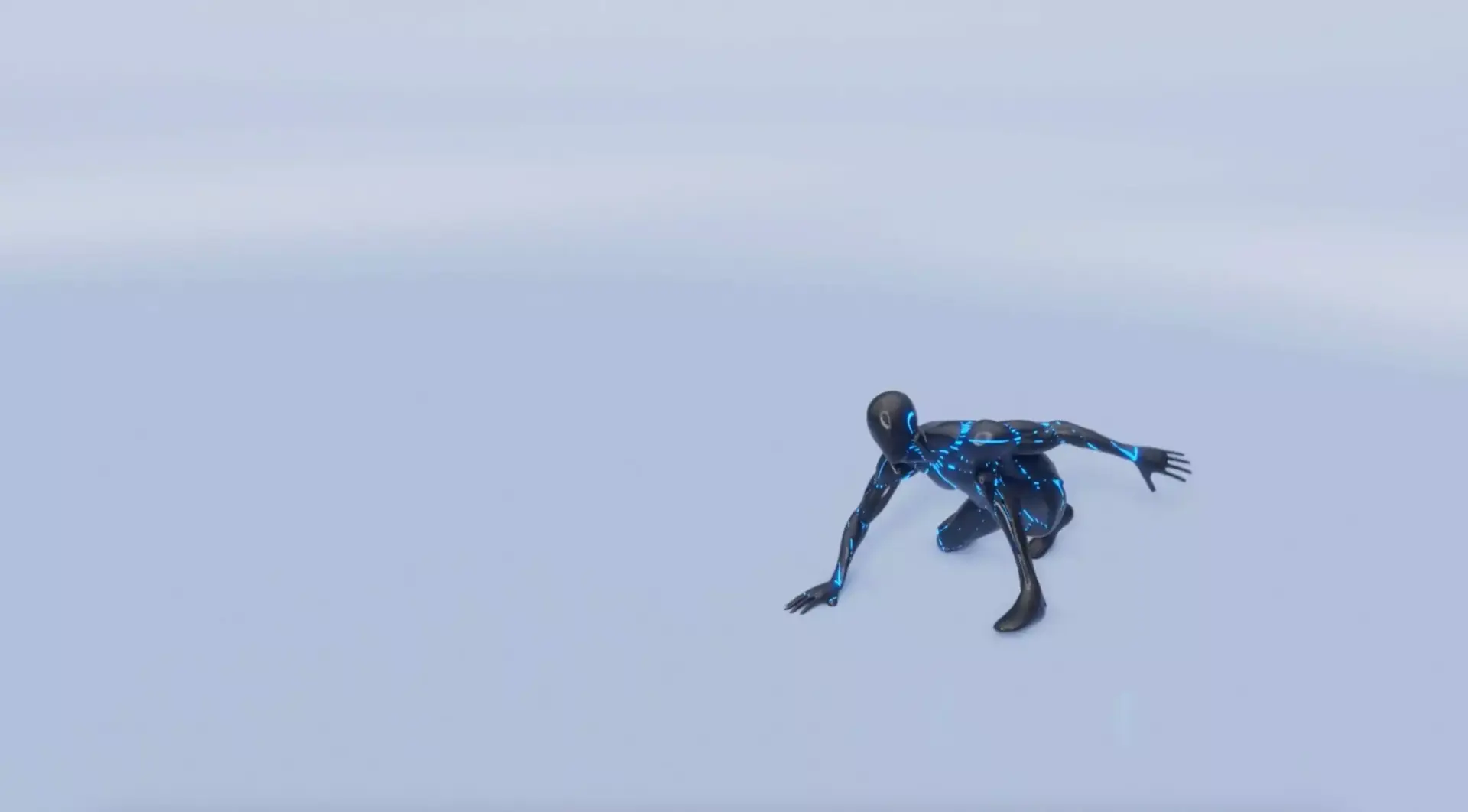
In game animation is the real time animation that plays during gameplay, the running, jumping, climbing, attacking, reacting, and idling that responds to player input and game logic. It is built to blend, loop, and transition smoothly inside the engine, while staying within strict performance and memory budgets.
- In game animation covers movement that reacts to player input and gameplay states in real time
- It includes locomotion, combat, traversal, interactions, and reactive animation layers
- It is tuned inside the engine using tools like state machines and blend trees :contentReference[oaicite:3]{index=3}
Cinematics can run in engine too, but they are usually authored and handled with a different goal, story delivery first. In game animation is about control feel, clarity, and responsiveness, even in tiny loops and short cycles.
Compared to film, gameplay animation is built in smaller chunks that must chain together flawlessly. A single frame that pops, drifts, or clips can stand out immediately because players see it repeatedly and control it directly.
The Role of an In Game Animator
In game animation is created in phases, then validated in engine where blending and gameplay conditions can change the result. A common workflow includes blocking, splining, and polishing, followed by integration and tuning inside the engine.
Blocking sets key poses and timing so the action reads clearly and hits gameplay beats.
Splining smooths the motion and improves spacing so movement feels believable and consistent.
Polishing adds final detail and secondary action, including subtle overlap, settle, and cloth or hair behavior where appropriate.
Animations are also built as a connected set. A jump is not one clip, it is a chain, idle to jump, jump to land, land back to idle. Working in segments keeps control feel consistent and makes transitions easier to tune.
Core Principles of In Game Animation
Great game animation is both artistic and technical. These fundamentals help animation look good, feel responsive, and stay stable across platforms.
1. Readability
- Animations should communicate intent clearly, attack, dodge, sprint, interact, or idle
- Strong silhouettes and clean arcs help players recognize actions instantly
2. Timing and Spacing
- Timing sets urgency and impact, and directly affects how responsive the game feels
- Spacing creates rhythm and weight, which makes motion feel grounded instead of floaty
3. Anticipation and Follow Through
- Anticipation prepares the player, it sells intent before a jump, swing, or dash
- Follow through adds realism and satisfaction through momentum and secondary motion
4. Technical Performance
- Animations must run smoothly on target platforms, with stable frame rate and memory use
- Clean rigs and efficient skeletons reduce bugs and keep iteration fast
- Always test in engine, blending, layers, IK, and gameplay conditions change everything
Learn more about outsourced game development to streamline animation production and performance workflows.
5. Interactivity
- In game animation must react to input and environment changes in real time
- Blend trees, state machines, and IK help create seamless transitions and layered movement :contentReference[oaicite:4]{index=4}
6. Feel and Fluidity
- Animation should feel responsive and satisfying, not just realistic
- Well timed hit pauses, VFX, and camera feedback can amplify impact without heavy animation changes
Expanding Animation Capabilities Beyond Characters
In game animation is not only character movement. It also drives how environments, UI elements, and interactive objects respond to the player. These small touches sell responsiveness and make the world feel alive.
Examples of Dynamic Animation Usage
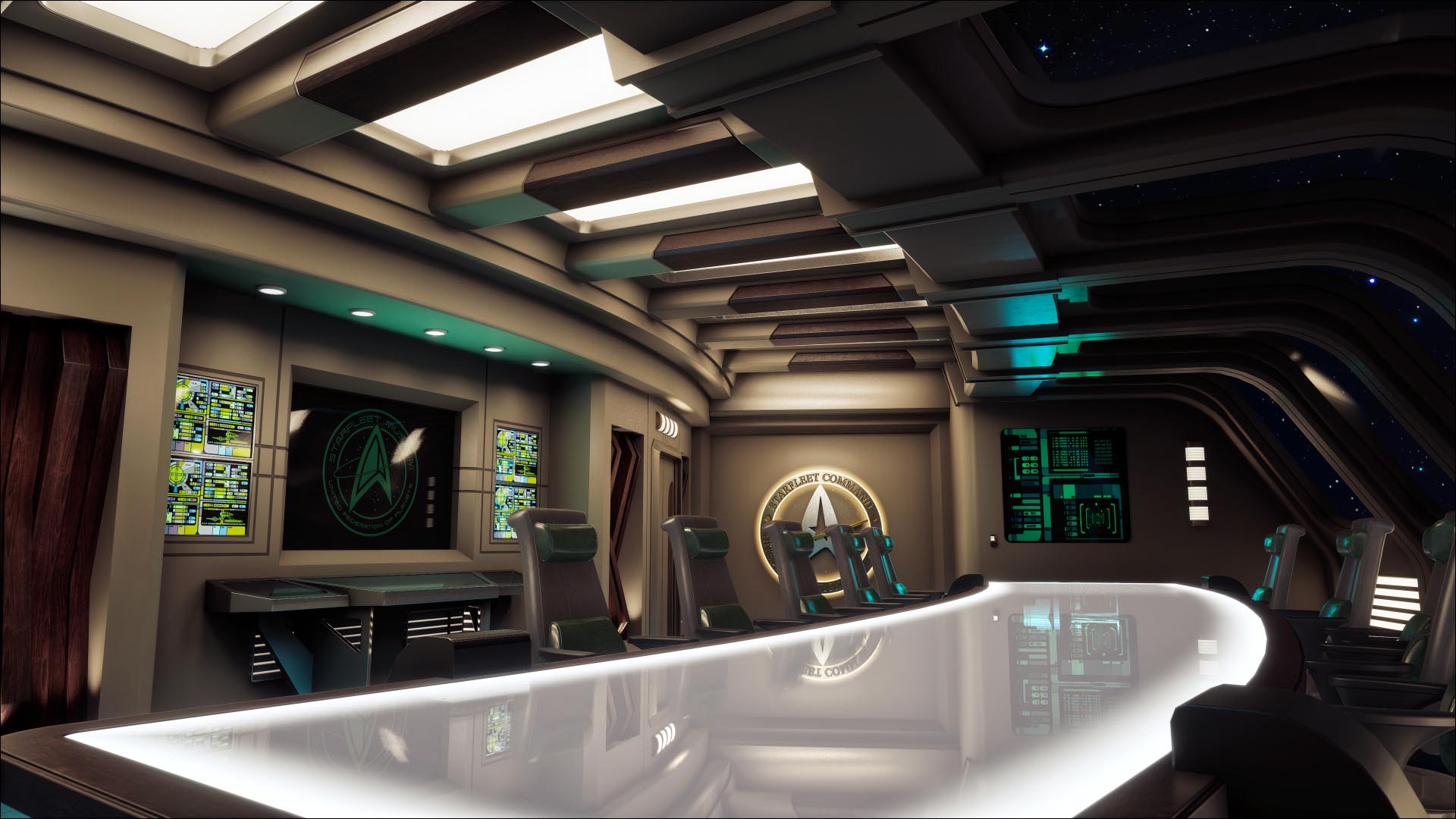
- Environment interactions tied to gameplay, doors, levers, ladders, bridges, and destructibles
- UI motion that reinforces state changes, cooldown feedback, health warnings, and objective updates
- Ambient loops that build atmosphere, wind, foliage, flickering lights, crowd motion, and wildlife behavior
Need Real Time Animation Expertise?
Looking to scale animation across systems or platforms?
Hire game developers with real time animation expertise who understand both the technical and artistic demands of modern games.
Need Real Time Animation Expertise?
Looking to scale animation across systems or platforms?
Hire game developers with real time animation expertise who understand both the technical and artistic demands of modern games.